Learn AI with coaching
One practical task at a time.
One-to-one or team sessions
In a focused session, we practice a task you do often. I show you how to ask AI for a useful draft and check its answer before anyone uses it.
See coachingCoaching and consulting by ASAP Ops
Practical AI consulting and coaching for healthcare teams. Learn to use your tools, simplify everyday office work, and keep a person in charge of the result.
The button opens Google Forms. For a free 30-minute discovery call, Nick will confirm a time by email.
Here’s what that looks like with a simple business email.
This is an invented business email. AI suggests a draft reply. A person checks the details, edits the words and decides whether to send. This example does not read or send any email.
AI suggests a draft. A person decides what to send.
For healthcare practice owners, office managers and teams who want practical help using AI in their everyday work.
Learn the basics, get a clear picture of a slow task, or try one small fix. Each option stands on its own.
New to AI? Think of it as a tool that can suggest words or organize a routine task. Your team checks what it produces before using it.
One practical task at a time.
One-to-one or team sessions
In a focused session, we practice a task you do often. I show you how to ask AI for a useful draft and check its answer before anyone uses it.
See coachingFind out where work gets stuck.
$250 · Written review
We walk through one repeated task and the tools around it. You get a simple map, three useful opportunities and a recommended next step.
See the reviewTry one small improvement.
$750 · Fixed-scope pilot
We make one agreed change in a tool you already use, check that it works and leave written instructions for your team.
See the small buildExperimental introductory prices and delivery targets. Scope, timing and price are confirmed in writing before any paid work begins.
Work directly with Nick Marino, a healthcare operations professional who builds practical tools and teaches teams how to use them.

I've worked in healthcare operations since 2010 — working with front desks, phones, scheduling and follow-up in specialty practices.
Most practice owners didn't start a business to live in their inbox. I use AI and simple systems to take the busywork off your plate, so you get your time back.
About sensitive information: the starting offers use business-only information. Any work that would touch patient information needs a vendor BAA and counsel review before it starts.
Mobile web apps, dashboards, inquiry funnels, follow-up automation and teaching videos. Every business, name and number in these examples is invented.
Automation demo
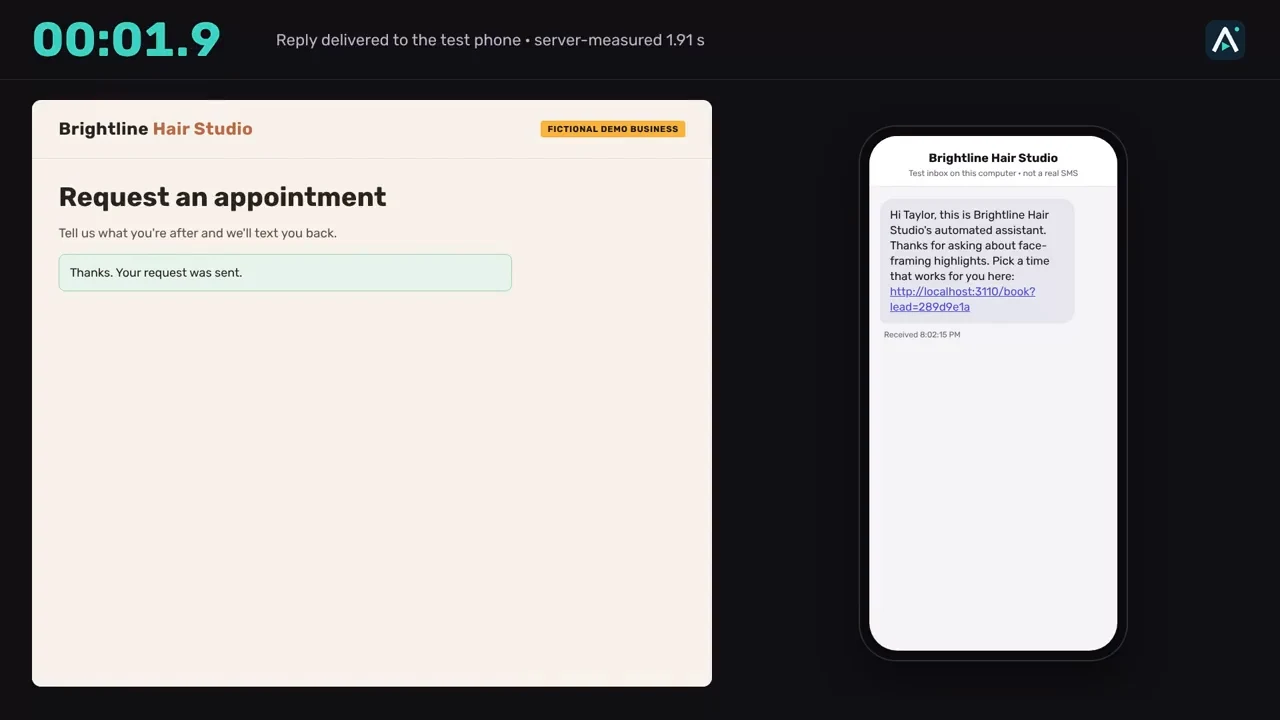
Answers a web form or missed call with a short reply and a booking link.
Fictional demo business, demo data
A working demo for a made-up salon, Brightline Hair Studio. The AI only names what the person asked about; code adds the facts and the booking link, designed so prices and policies come from your approved source. The walkthrough covers how it is built, what broke on the first try and what a real version would cost.
Walkthrough video, about 8 minutes.
Watch the demo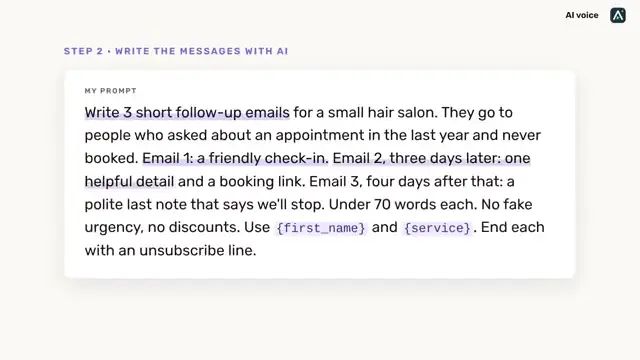
Automation demo
Turns an old lead list into a three-email follow-up with opt-out rules built in.
Fictional demo business, demo data
Built for a made-up salon, Fernwood Hair Co. The list is cleaned first, a person edits the AI drafts, and the sequence stops for anyone who opts out.
Walkthrough video, about 8 minutes.
Watch the demo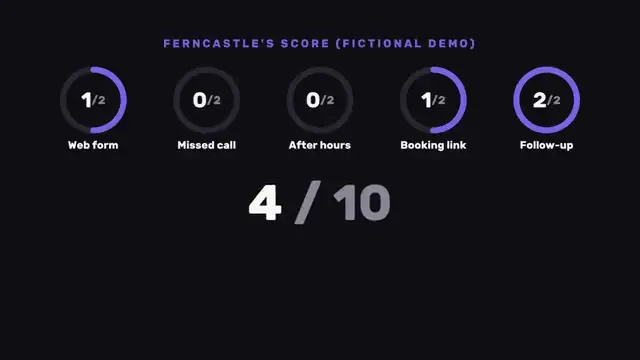
Dashboard
Scores five inquiry tests at a glance, so the weakest handoff is obvious.
Fictional demo business, demo data
The scoring view from the self-check demo, shown for a made-up company. It points to the handoff to fix first.
Opens the self-check walkthrough at the scorecard.
Watch the demoFictional healthcare office
Illustrated workflow
An inquiry moves to a named owner, then to a checked next step.
Fictional demo business, demo data
No AI model or live connection.
See the simple example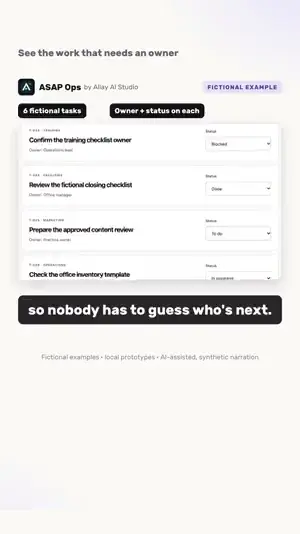
Dashboard
Every task has an owner and a status, and the counts update as the work moves.
Fictional demo business, demo data
A working browser prototype with six invented office tasks. Filter by owner, change a status and the dashboard follows. Logins, saved data and connections to other tools are scoped separately.
Studio explainer, 47 seconds.
Watch the demo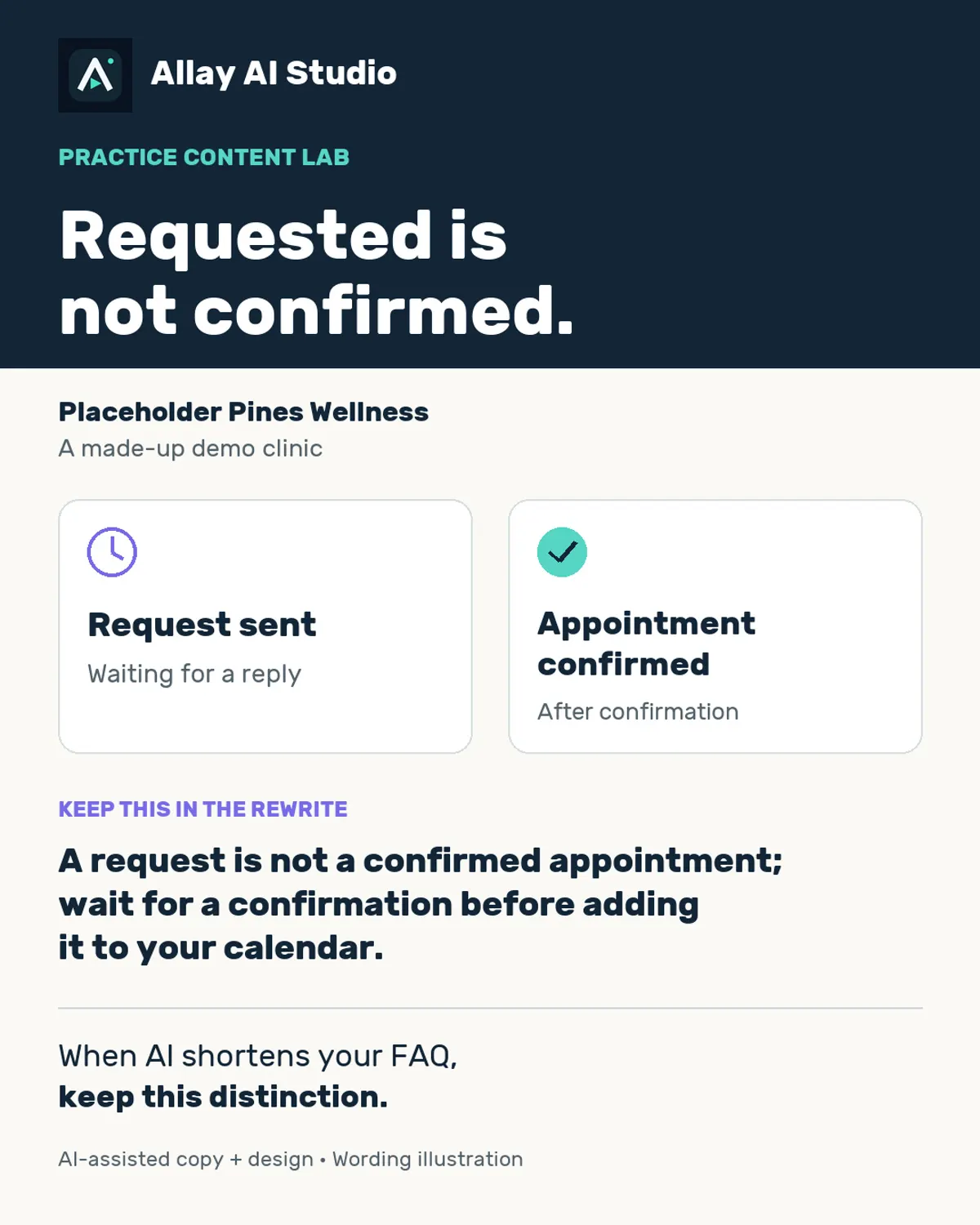
Still image
A single-image post on keeping a request and a confirmed appointment clearly apart.
Fictional demo business, demo data
Written for a made-up office. When AI shortens your FAQ, this is the distinction to keep.
Still image.
View the image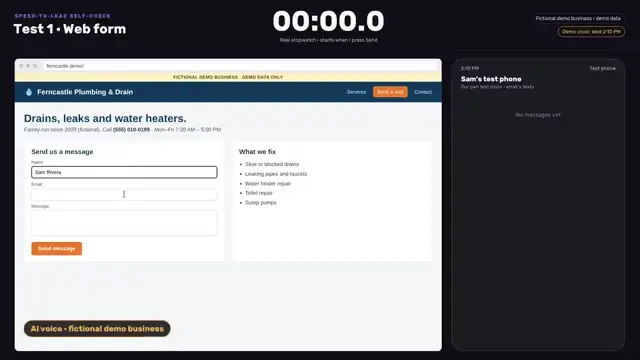
Automation demo
Five quick tests that time how a business answers a web form, a missed call and an after-hours message.
Fictional demo business, demo data
Run on a made-up company, Ferncastle Plumbing & Drain, with a real stopwatch and a test phone. The checklist and scoring work for any office.
Walkthrough video, about 6 minutes.
Watch the demo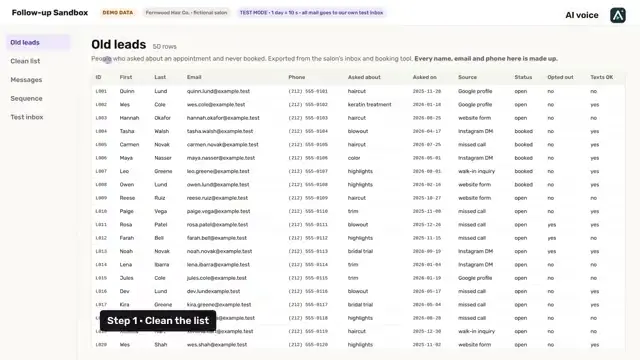
Dashboard
Shows an old lead list before anything is sent: duplicates out, opt-outs honored.
Fictional demo business, demo data
From the lead-reactivation demo: fifty made-up leads for a made-up salon, cleaned and checked before the first email. Every name, email and phone number is invented.
Opens the lead-reactivation walkthrough at the list-cleanup step.
Watch the demo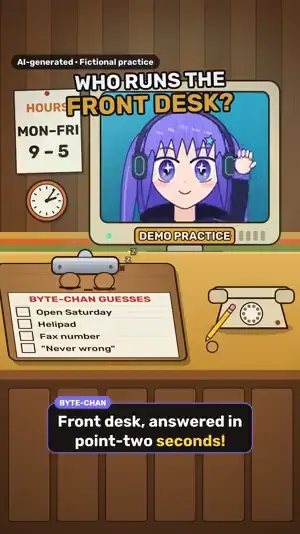
Studio short
A 35-second comedy short: AI drafts fast, a person checks it.
Fictional demo business, demo data
Byte-chan answers everything instantly and gets most of it wrong. Clip checks the source. The takeaway: AI drafts, your team checks.
Studio short, 35 seconds. Original characters and synthetic voices.
Watch the demo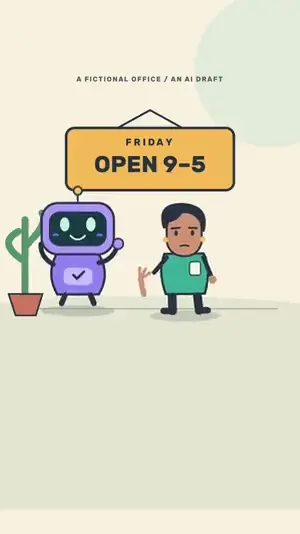
Studio short
Why every AI draft gets checked against the source before it goes out.
Fictional demo business, demo data
A fictional office skit. Confident is not the same as correct: read the source, then approve.
Animated pilot, 25 seconds.
Watch the demo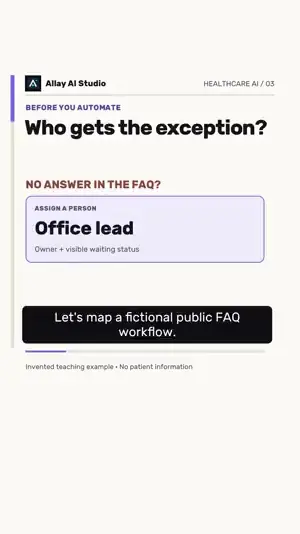
Teaching video
Name the owner, draw the ordinary route and plan the fallback before connecting anything.
Fictional demo business, demo data
An invented public-FAQ example: who gets the exception, what happens when the answer is missing, and how to rehearse a failure before going live.
Teaching video, 38 seconds.
Watch the demo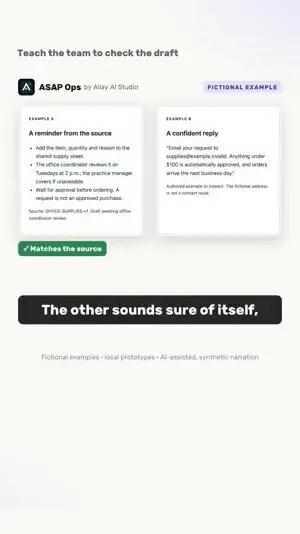
Teaching video
A training exercise: compare two AI answers to the source and keep the one that holds up.
Fictional demo business, demo data
A made-up office supply procedure, two AI answers and a five-point check. One answer sticks to the source; the other sounds sure of itself and invents details.
Teaching video, 49 seconds.
Watch the demo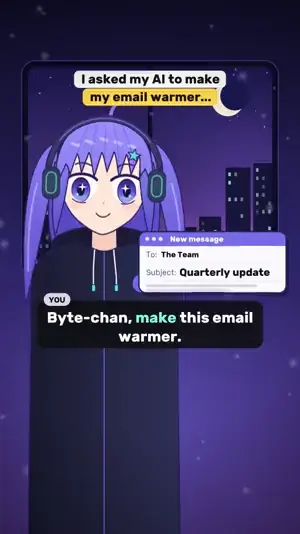
Studio short
A short comedy about asking AI for the wrong kind of warm.
Fictional demo business, demo data
Byte-chan takes “make it warmer” literally. A reminder that a clear request beats a vague one.
Studio short. Original characters and synthetic voices.
Watch the demoA mobile checklist for a healthcare office. Complete a task, see the progress change and pass a question to the next person.
Try the mobile web appFictional demo business, demo data
Installable web app demo with offline app files. Fictional task progress stays on your device, with a reset button. No login, AI model or live business connection. Not an App Store release.
Office Ready
Ready for the day.
2 of 6 tasks done
✓Check the office signs
Set up the welcome desk
Review the team handoff
Mark one sample task done. The counts change from the same six-task dataset.
Fictional demo business, demo data
Practice owner
Office manager
Operations lead
Office manager
Practice owner
Operations lead
Local prototype. Refresh or reset restores the example.
Adapted from a fictional task-board demo. No AI model, login, saved data, notifications or live connection. This is not a client deployment.
JavaScript is off. The starting task list and counts remain readable; interactive changes are unavailable.
Creative examples by Allay AI Studio. These are fictional demos and teaching videos, not client deployments or results.
What to expect before, during and after the first call.
We spend 30 minutes on Google Meet talking through one office task, the tools around it and what keeps slowing your team down. The call is free and creates no obligation.
Coaching is scoped around your task and the people taking part. We agree on the session length, materials and price in writing before it starts. The discovery call is free.
Usually not at the start. We first see what your current tools can already do. If a new tool would help, you see the cost and tradeoffs before anything is bought.
Not in the starting offers. They use business-only information and invented examples. Work that would touch patient information needs a vendor BAA and counsel review before it starts, with its own scope.
No. They are working demos built with fictional businesses and invented data, so you can see the work without anyone’s real information.
Tell me about one office task that takes too much time. We can decide together whether coaching, a review or a small fix is the right place to start.
Free · 30 minutes · Google Meet. Prefer email? Read the discovery questions. Nick confirms the time and Meet details separately.
Business inquiries only. Please leave out patient information, records, passwords and payment details.